For your Pinterest recipes
Sync your Pinterest recipes into one grocery list.
Your Pins
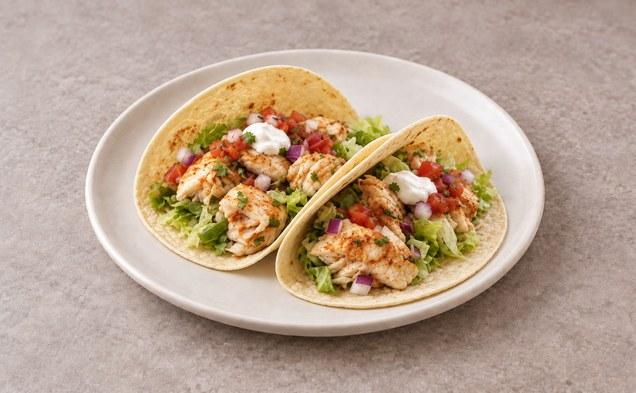
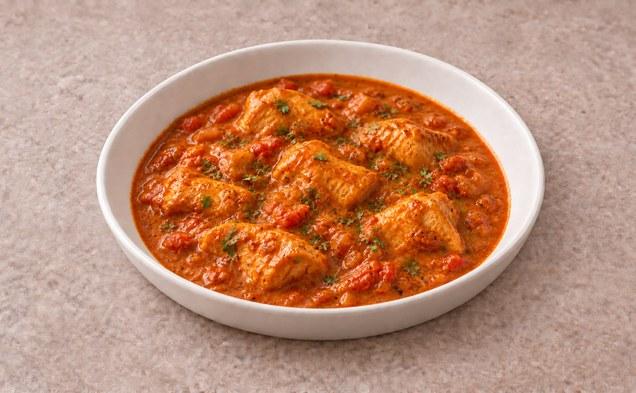
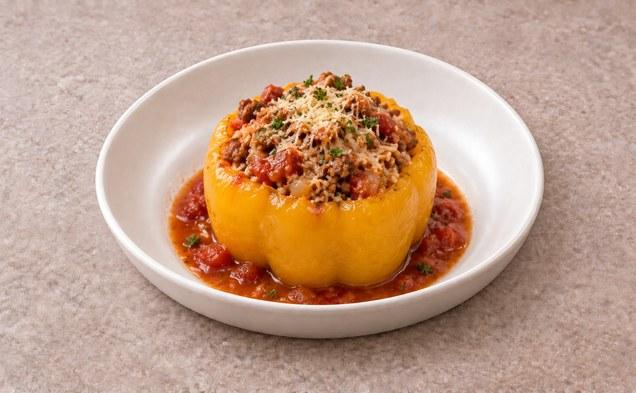
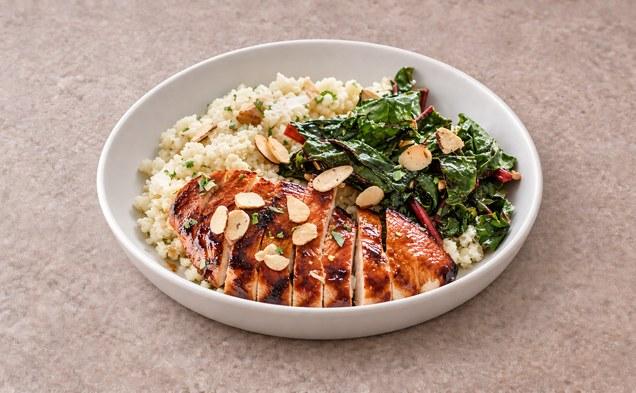
One list
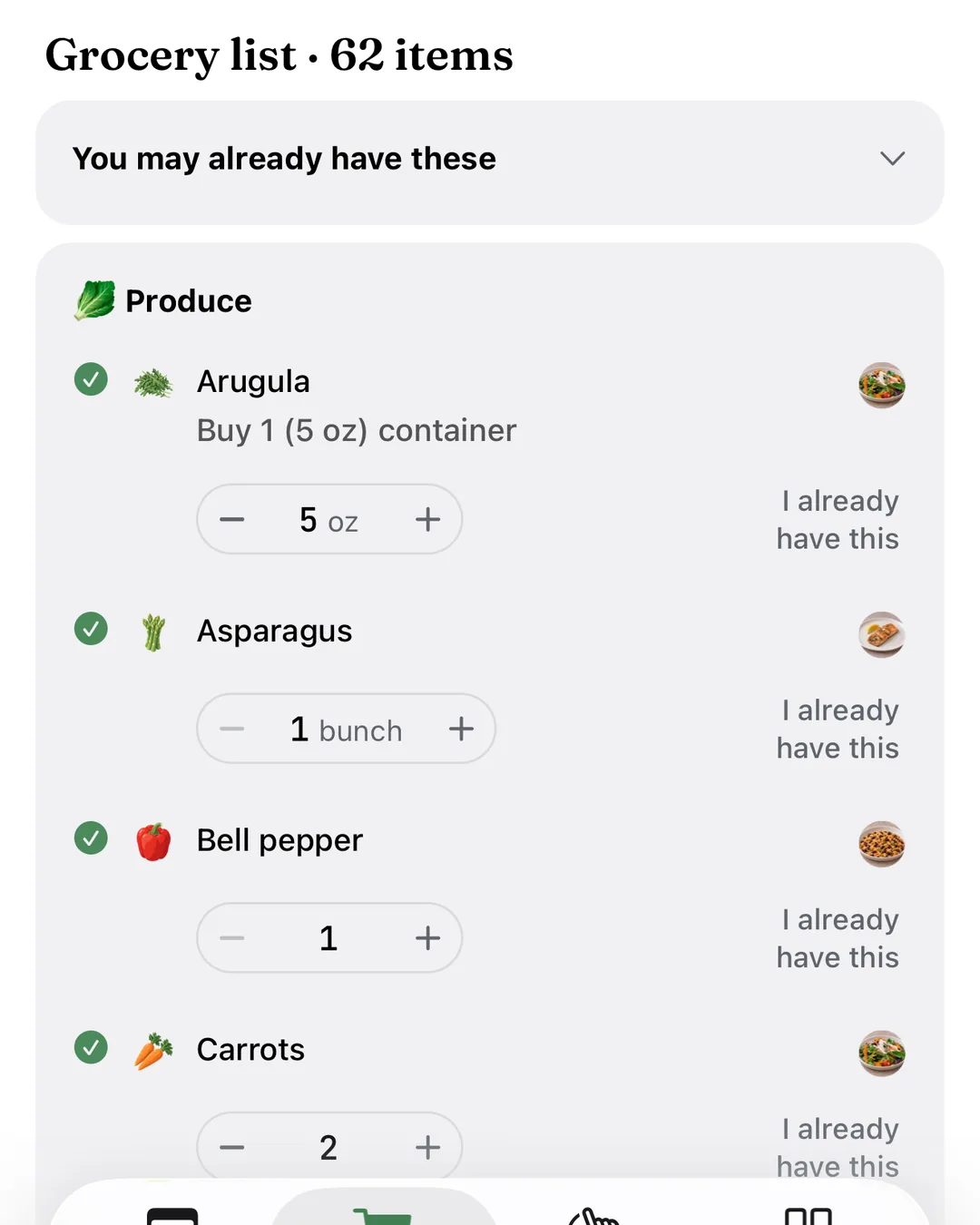
Connect Pinterest and your recipe boards stay synced. Build a week from your Pins and our recipes, and get one grocery list sized for your household, sent to Instacart in one tap.


From your boards to your groceries.
Step 1
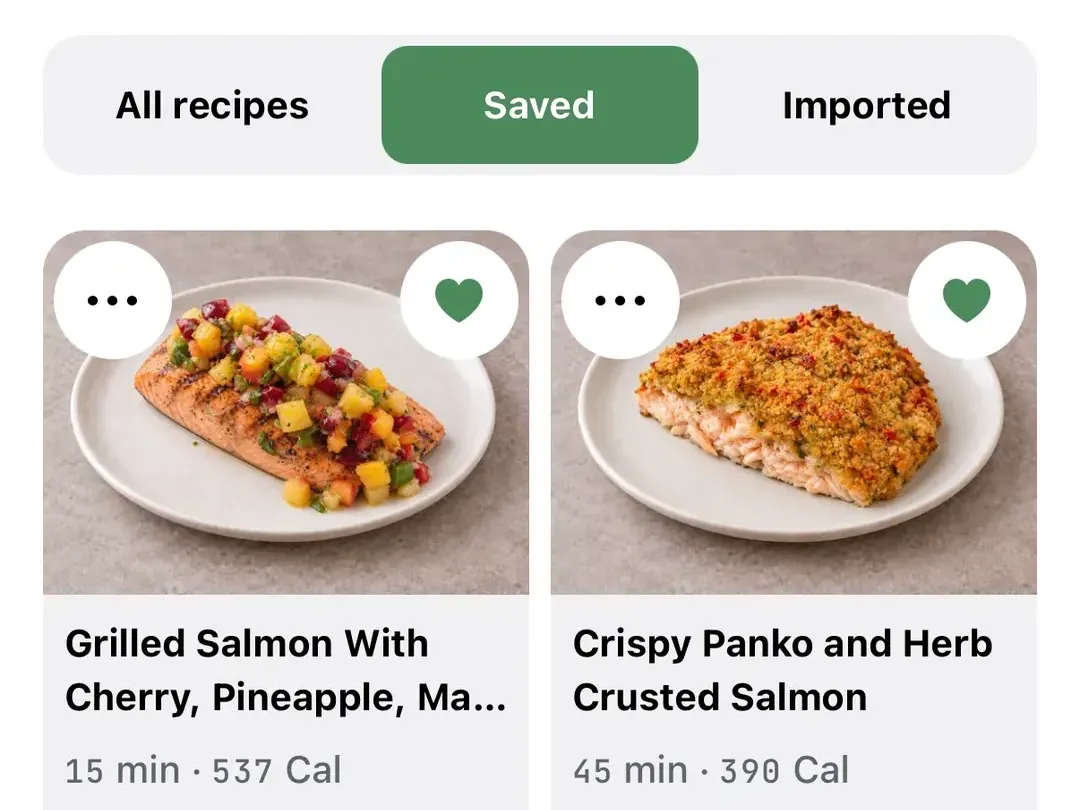
Connect Pinterest
Choose the recipe boards you want. Your Pins come in as recipes, with credit to Pinterest and to each creator.
Step 2
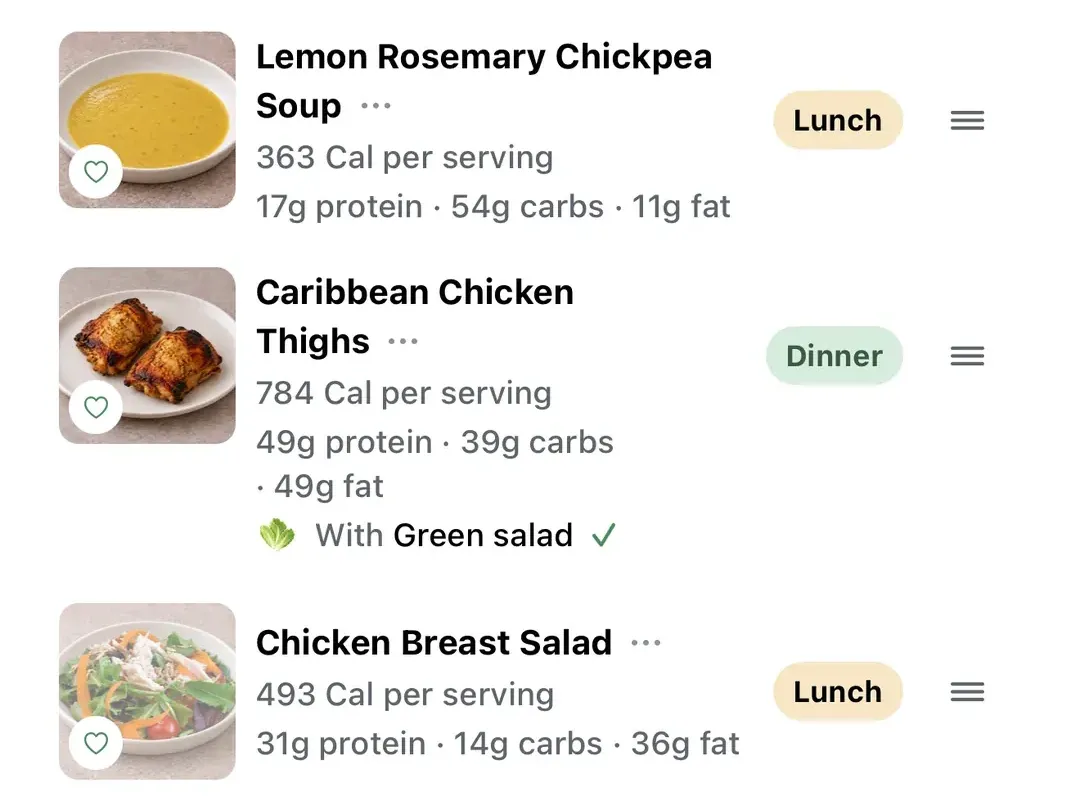
Build your week
Add your Pinterest recipes to any day. Live Better AI fills the rest of the week with its own recipes, each sized for the people you cook for.
Step 3
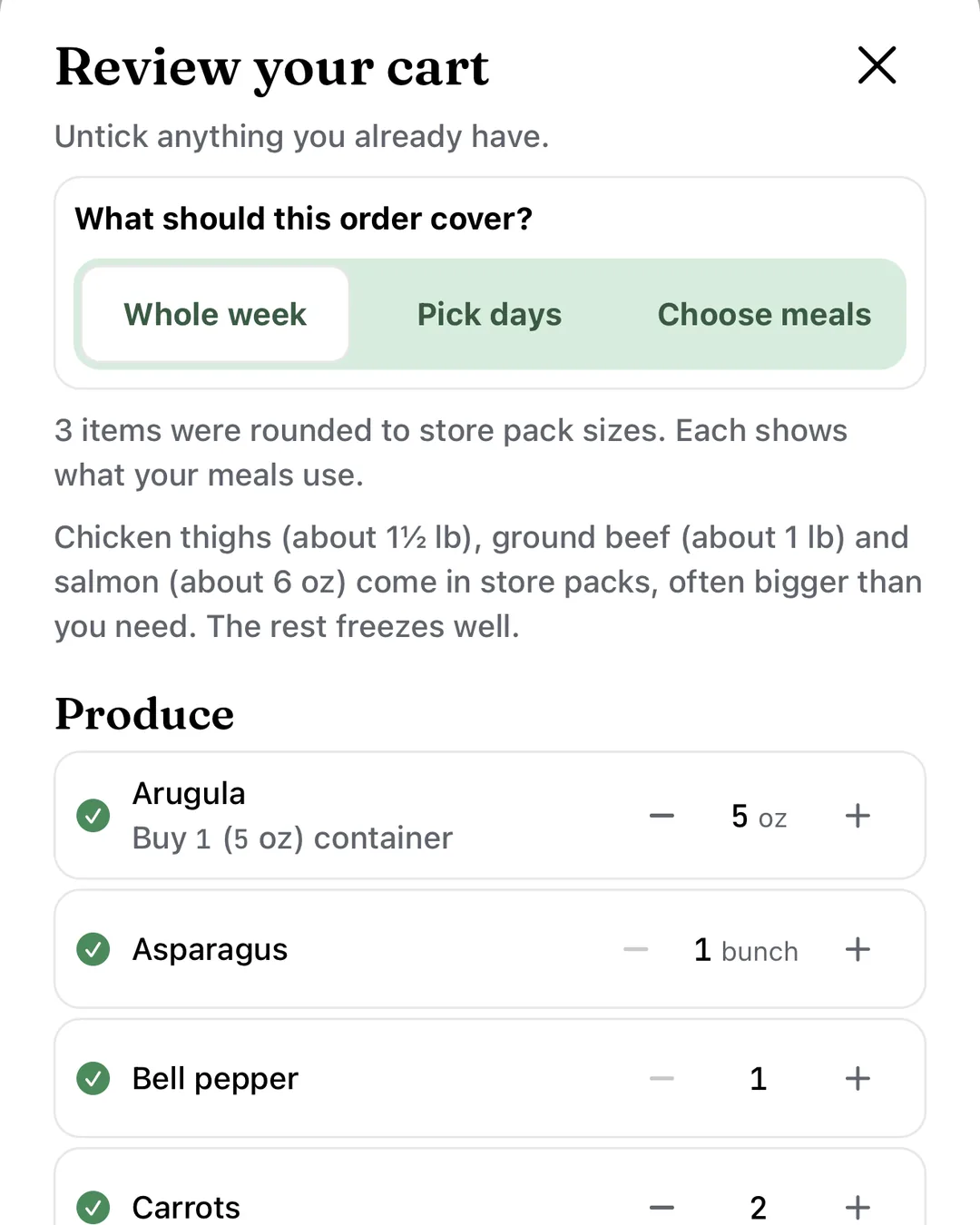
Shop one list
Every recipe in your week adds up into one grocery list. Send it to Instacart in one tap and choose your store there.
Import any recipe on our site.
Not on Pinterest? Paste a link from a recipe site, a blog or a social post, upload photos of a recipe card, or paste the text. It is saved to your recipes, ready to add to your week.
Paste a recipe linkQuestions you might have.
- Is Live Better AI free?
- Live Better AI is free to use. There is no subscription and no card to add. You pay only for your groceries and any checkout fees.
- What happens when I connect Pinterest?
- You choose which of your own public boards to bring in. Each Pin that links to a recipe becomes a recipe in Live Better AI, with credit to Pinterest and to the recipe’s creator. Boards you keep updated are checked for new Pins about once a day, or right away when you tap Sync new Pins.
- What do you keep from Pinterest?
- For each Pin, only its link and the link to its recipe. We never store Pinterest images, Pin titles or Pin descriptions. You can disconnect Pinterest at any time.
- Can I add a recipe that is not on Pinterest?
- Yes. Paste a link from a recipe site, a blog or a social post, upload photos of a recipe card or cookbook page, or paste the recipe text. It is saved to your recipes, ready for your week.
- What if a recipe link will not import?
- Some recipe sites block imports. Paste the recipe text or upload a photo of it instead, and it is saved the same way.
- How do my Pinterest recipes and your recipes fit together?
- Put any of your recipes on a day in your week and Live Better AI fills the other meals with its own recipes. Every meal is sized for your household, and the groceries for the whole week add up into one list.
- Where do I buy the groceries?
- Send your list to Instacart, choose your store and check out on the Instacart service. You pay only for your groceries and any checkout fees.
- How does Live Better AI make money?
- When you order groceries on the Instacart service through Live Better AI, we may earn a commission. It does not change the price you pay.
- Is Live Better AI part of Pinterest?
- No. Live Better AI is an independent app. Pinterest has not endorsed it.
New to Live Better AI? See how to use the app.
Bring your boards to dinner.
Free. No subscription.
Connect PinterestPinterest is a trademark of Pinterest, Inc. Instacart® is a registered trademark of Maplebear Inc. d/b/a Instacart.